AI Rap Generator: Make a Rap Song with AI
Describe a hip-hop vibe or paste your own bars to generate full rap songs with vocals and beats.
music.toolTips
relatedTools.title
Free Music Gen Tool | Brev.ai - Create Custom Songs with AI
AI Country Song Generator: Make a Country Song | Brev.ai
Free Stock Music Generator - Create Custom Tracks with Brev.AI
MusicGen by Brev.ai | Free AI Music Generator with Custom Lyrics and Styles
Free Outro Music Generator | Create Custom Outro Tracks with Brev.ai
Brev.ai Classic Music Generator | Free AI-Powered Music Creator
Free Soul Music Generator | Brev.ai - Create Custom Tracks
Free Upbeat Music Generator - Create Custom Tracks with Brev.ai
Key Features of Brev.ai's AI Rap Generator
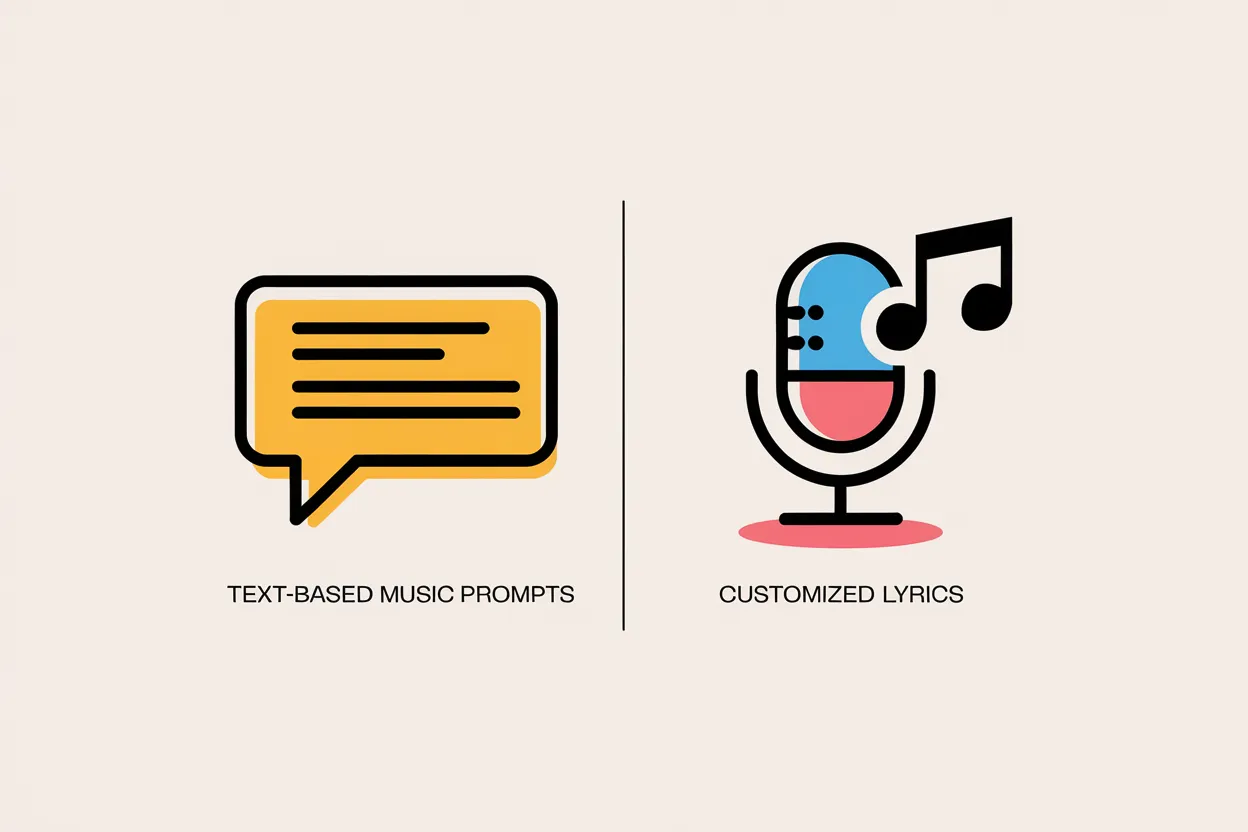
Two Ways to Start: Describe a Song or Paste Lyrics
Use Simple mode to type a short Song Description (up to 199 characters) and let the AI write the lyrics and music. Or switch to Custom Mode to paste your own lyrics (up to 2,999 characters) along with a Title and Style of Music.
Full Rap Songs with Vocals or Instrumental Beats
Every generation creates complete rap tracks with rapped vocals, lyrics, and a backing beat. If you only want a beat to rap over yourself, turn on the Instrumental switch to generate music without vocals.
Get 2 Rap Songs per Generation
Each run returns two full songs based on your input. Click to switch between them, hear how each version handles the flow and beat, then download the one that fits your idea best.
Set the Style in Your Own Words
There are no fixed genre menus to hold you back. Type the exact hip-hop style you want in your description or in Style of Music, whether that is 90s boom-bap, hard trap, chill lo-fi rap, or a storytelling verse.
Only Want Words? Use the AI Lyrics Generator
This page makes full audio songs. When you just want written verses and hooks without generating music, head to Brev's AI Lyrics Generator to write lyrics only.

Try Without Signing In
Guests can try the generator and create rap songs right on the page without signing in. Free use is limited.
How to Use Brev.ai's AI Rap Generator
Step 1: Describe Your Rap or Paste Your Lyrics
In Simple mode, enter a Song Description with your topic, your mood, and the word "rap" plus a style such as boom-bap or trap. To use your own bars, switch to Custom Mode, paste your Lyrics, and enter the Style of Music. Turn on Instrumental if you only want a beat.
Step 2: Generate and Listen to Both Songs
Click generate. The tool estimates about 20 to 40 seconds per generation and returns two full rap songs. Click to switch between them and hear how each one handles the flow, vocal delivery and beat.
Step 3: Download or Adjust Your Prompt
Download the track you like best, or tweak your description, style wording, or lyrics and try again to explore a different sound.
Who Can Benefit from the AI Rap Generator
Lyricists and Songwriters
If you write your own verses and hooks, paste them into Custom Mode to hear how your bars sound rapped over a beat. It is a practical way to test song ideas and flows as a rough demo.
Video and Podcast Creators
YouTubers, streamers and podcasters can describe a theme and mood to make a custom rap intro or background track. Check the License page before publishing: commercial use requires an annual Pro or Ultra plan.
Rap Fans Exploring Song Ideas
Describe a playful diss track for a group chat, a story song about an inside joke, or a quick freestyle-feel verse on a topic you pick. You get two versions each time to listen to and download.
People Practicing over Beats
Turn on the Instrumental switch and describe a hip-hop style to get two backing beats without vocals, ready for your own freestyling or writing sessions.
What You Can Create with the AI Rap Generator
Your own bars over a beat Paste your written verses into Custom Mode with a hip-hop or trap Style of Music to hear two rapped versions of your lyrics.
Rap songs from a short prompt Type a rap theme and vibe in Simple mode when you want the AI to write the rhymes and generate two complete tracks.
Instrumental hip-hop beats Enable the Instrumental switch and describe a boom-bap or trap style to generate two vocal-free beats you can practice freestyling over.
Playful diss or hype tracks Describe a friendly roast or workout anthem in a rap style and download either of the two generated songs to share with friends.
AI Rap Generator: Frequently Asked Questions
Does it make a full rap song or only lyrics?
It makes a full rap song. Each generation produces two complete tracks with rapped vocals, lyrics, and a backing beat. If you only want the words without any audio, you can use Brev's AI Lyrics Generator instead.
Can AI make a rap beat?
Yes. Every generated rap song comes with its own beat. If you want a beat without vocals, turn on the Instrumental switch before you generate; it makes new instrumental tracks rather than removing the vocals from a song you already made. There are no separate tempo or instrument settings, so describe the sound you want in your prompt.
Can it sound like a specific rapper?
No. The model does not recognize artists' names, and you cannot pick a rapper's voice or persona. Instead of naming a performer, describe the style and vibe you want in your own words, such as classic 90s boom-bap, melodic trap, or gritty underground hip-hop.
Can I use my own rap lyrics?
Yes. Switch to Custom Mode to paste up to 2,999 characters of your own lyrics. You can also enter a Title and type the hip-hop subgenre or mood into Style of Music so the AI raps your verses over a matching beat.
Can I use the AI Rap Generator for free?
Yes, you can try the tool for free without signing in. Please note that free use is limited.
How do I choose the rap style?
There is no preset style menu. You choose the style by typing it directly into your Song Description in Simple mode, or into the Style of Music field in Custom Mode. Include terms like rap, boom-bap, trap, or lo-fi hip-hop along with the mood you want.
Can I make an instrumental beat only?
Yes. Toggle the Instrumental switch on before generating. The tool will create two rap beats without vocals or lyrics based on your style description.
How long does it take?
The tool estimates about 20 to 40 seconds per generation. Each run returns two full songs.
Can I use the tracks commercially?
Songs created under the free plan are restricted to non-commercial use, and Brev.ai retains copyright ownership. A commercial license is only included with annual Pro or Ultra plans (monthly plans do not include a commercial license). Please see the License page for full terms.
Is there a limit to how many songs I can make?
You can try the tool for free without signing in, but free use is limited. Each generation gives you two songs.