Create Stunning Music with Brev.ai's Background Music Generator
Effortlessly generate custom music with lyrics or instrumental tracks—free to try and easy, powered by AI.
music.toolTips
relatedTools.title
Free Instrumental Music Generator by Brev.ai | Create Custom Music
Free Dramatic Music Generator - Create Custom Music with Brev.ai
Text to Singing AI: Hear Your Own Lyrics Sung | Brev.ai
Free Sad Music Generator | Brev.ai - Customizable Music Creation
Free Lounge Music Generator – Brev.ai: Create Custom Tracks
Free Soul Music Generator | Brev.ai - Create Custom Tracks
Text to Music AI | Free Music Generator by Brev.ai
Free Chill Music Generator | Brev AI
Discover the Key Features of Brev.ai's Background Music Generator
AI-Powered Music from Text
Our background music generator allows you to create custom music directly from text inputs, whether you want a full song with lyrics or instrumental music.
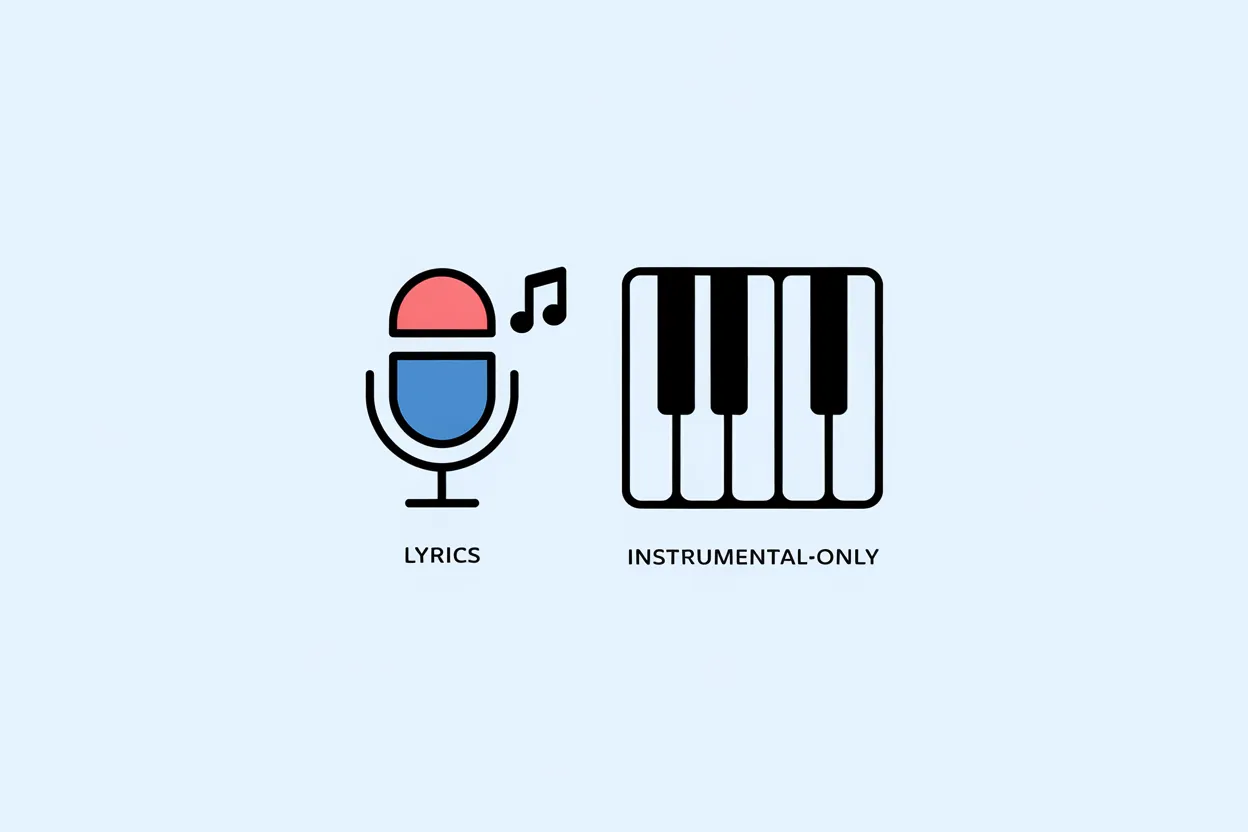
Generate Music with or without Lyrics
Choose between creating songs with lyrics or instrumental tracks, offering you flexibility to fit different project needs.
Song Structure and Sound
Our AI models generate coherent melodies, harmonies, and rhythms with each generation.
Double the Experience—Two Songs at Once
Each generation gives you two complete tracks, so you can click between them, listen, and download the one you like.
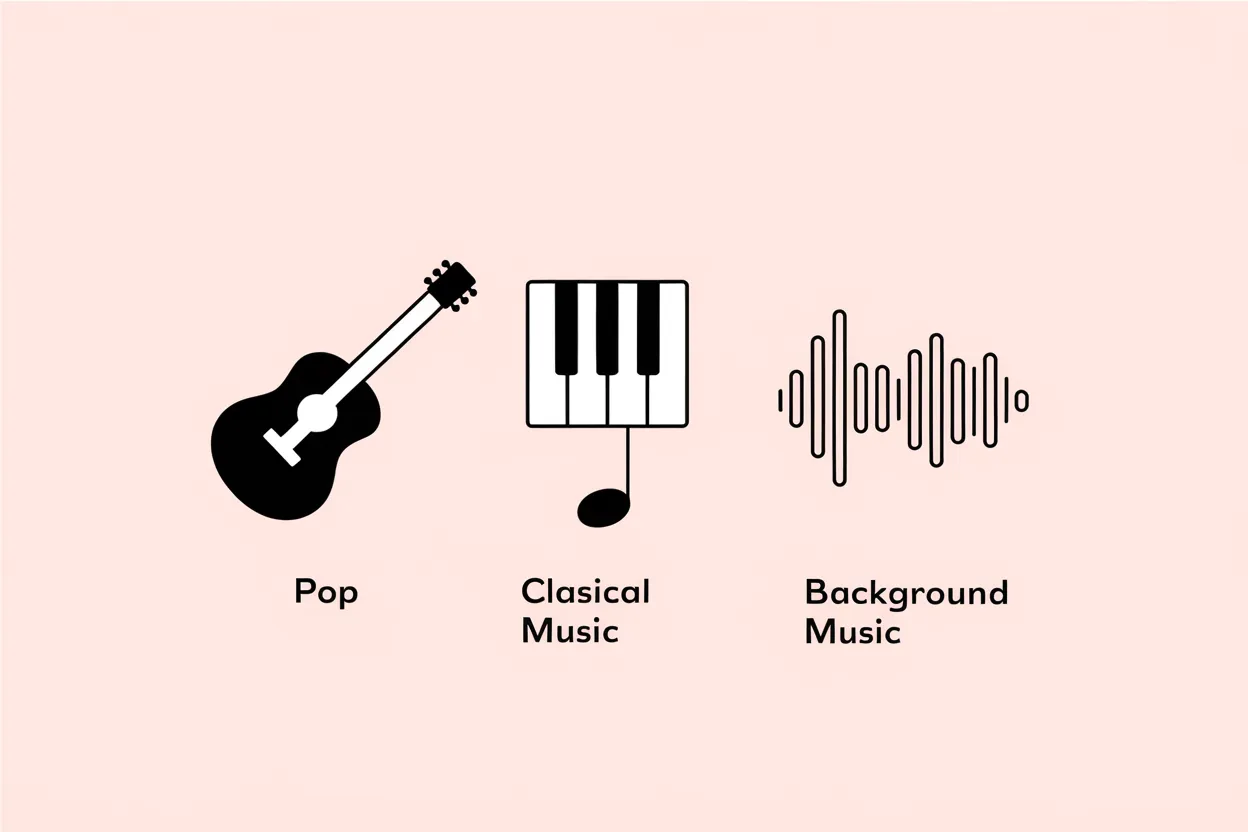
Customizable Music Styles
Tailor your music by typing your desired style in the description or Style of Music field to fit your unique project.
Free to Try Without Signing In
Try Brev.ai's background music generator in your browser without signing in, with limited free use.
How to Use Brev.ai's Background Music Generator
Step 1: Enter Your Text
Start by typing in the text you want to transform into a song. You can either input lyrics or choose to generate instrumental music.
Step 2: Enter Your Music Style
Type a music style that fits your project, such as pop, classical, or electronic, in your song description or in the Style of Music field in Custom Mode.
Step 3: Generate and Download
Click the generate button and receive two original tracks. Download the one that suits your needs.
Who Can Benefit from Brev.ai's Background Music Generator
Content Creators
YouTubers, vloggers, and social media influencers can generate background music to enhance their video content.
Musicians and Songwriters
Aspiring musicians can use Brev.ai to jumpstart their songwriting process, providing a creative spark or fully composed tracks.
Marketing Teams
Marketing professionals can create custom music for advertisements, social media posts, or corporate videos (free-plan songs are for non-commercial use; a commercial license comes only with annual Pro or Ultra plans—see the License page).
Game Developers
Game developers in need of original soundtracks for their games can generate immersive background music to enhance player experiences.
What You Can Create with the AI Background Music Generator
Background Music for Videos Type a mood in Song Description and turn on Instrumental to generate two vocal-free tracks for your video, and check the License page before publishing.
Music for Photo Slideshows Describe an acoustic or piano style to get two full songs, then click between them in the player and download the one that fits.
Calm Music for Studying Enter a lo-fi or ambient prompt with Instrumental enabled to try generating background study tracks as a guest without signing in.
Custom Vlog Intro Songs Open Custom Mode to enter a Title, Style of Music, and your own Lyrics for a sung intro, and check the License page before monetizing.
Frequently Asked Questions about Brev.ai's Background Music Generator
Is there a free AI music generator?
Yes, there are free AI music generators available, including Brev.ai's 'background music generator.' It is free to try without signing in, providing an intuitive and accessible platform to generate background music for various needs, including videos, podcasts, and personal projects. Unlike traditional tools, this generator uses AI to process your text inputs and deliver custom tracks that fit the desired mood, genre, or style. Whether you're a beginner or a professional, this tool makes it easy to create music without prior experience, with limited free use available. Give it a try and discover how simple music creation can be!
How do I get background music for my song?
Brev.ai's Background Music Generator creates new tracks from text; it doesn't add music to a recording you already have. Type the mood or style you want in the song description, or in the Style of Music field in Custom Mode, and turn on Instrumental for a backing track without vocals. To hear your own words sung, enter them as lyrics in Custom Mode. It's a quick way for independent artists and content creators to get music for their projects without production software.
Is AI music legal?
Usage rights for AI-generated music on Brev.ai depend on your plan. Songs created under the free plan are for non-commercial use only, and Brev.ai retains copyright ownership of free-plan songs. A commercial license to distribute, monetize or license your songs commercially comes only with annual Pro or Ultra plans; monthly plans do not include one (see the License page). Choose the plan that fits how you plan to use your tracks, whether for personal projects or licensed commercial use.
Which is the best AI music generator?
Choosing an AI music generator depends on your needs, and Brev.ai's 'background music generator' offers ease of use and browser-based accessibility. It uses AI to create tailored music tracks that fit specific themes or genres you describe, from upbeat pop to serene ambient sounds. It is free to try without signing in, though free use is limited. Whether you're a filmmaker, a content creator, or just experimenting with music, this generator offers versatile options for your projects. Try it today to experience AI-driven music creation!
Is Brev.ai's background music generator free to use?
Yes, the tool is free to try without signing in, though free use is limited.
Can I generate music with lyrics?
Yes, you can generate music with custom lyrics or choose to create instrumental tracks.
How many songs can I generate at once?
You can generate two songs at a time, providing you with more options for your project.
Can I customize the music style?
Yes, you can type your desired style in the song description or in the Style of Music field in Custom Mode.
Is the generated music royalty-free?
Free-plan songs are for non-commercial use only; a commercial license comes only with annual Pro or Ultra plans (see the License page).
Do I need to create an account to use the tool?
No, it is free to try without signing in, though free use is limited.